Within your ad creation process it is also possible to add impressions trackers.
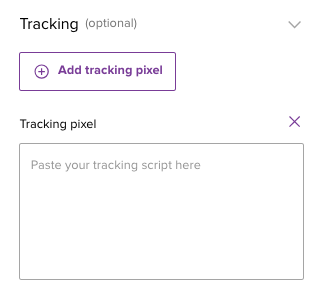
Navigate to your ad, click on “Add tracking pixel” and paste your tag. In this article you’ll find some examples and an overview of vendors that we support.
Note: in apps javascript tags are not support by Seamless ads.
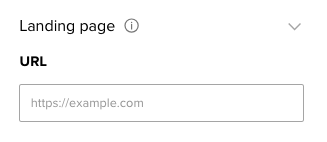
Click trackers are supported differently. You can add your click tracker URL as the landing page of your ad.
If you want to use dynamic values in your creatives Ad Manager supports several macros. These macros can for example be used in the values of your UTM codes. The following macros are available:
- Advertiser ID = ${ADV_CODE}
- Campaign ID = ${IO_CODE}
- Ad group ID = ${CPG_CODE}
- Ad ID = ${CREATIVE_CODE}
- Ad size = ${CREATIVE_SIZE} (e.g. 300x250. Seamless ads will always return 1x1)
Note: this applies to ads in display campaigns only!
In this article you can find detailed information about using 3rd party tags and how to implement ad server click and GDPR macros in your third party tags.
Was this article helpful?
That’s Great!
Thank you for your feedback
Sorry! We couldn't be helpful
Thank you for your feedback
Feedback sent
We appreciate your effort and will try to fix the article